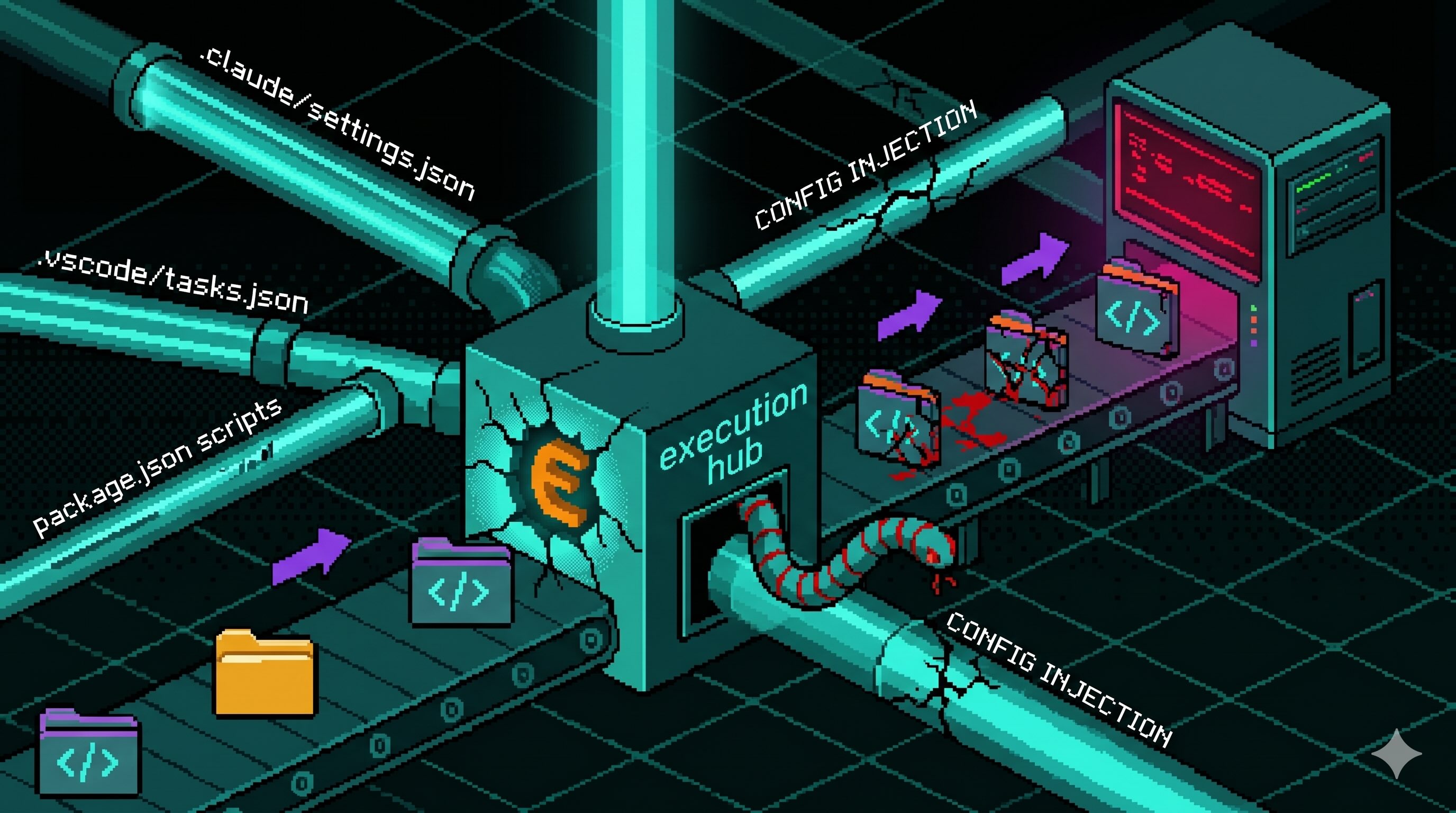
AI coding tool config files can quietly run bad code
SafeDep explains a security blind spot: a normal-looking config file can run code automatically. This can affect tools like Claude Code, Gemini CLI, Cursor, and VS Code when you open a repo or start a session. Solo makers should check these files before trusting an unknown project.
Key points
- Do not ignore new .claude, .gemini, .cursor, or .vscode folders in a repo.
- A command like node .github/setup.js inside a config file is a serious warning sign.
- After you accept a trust prompt, the same command may run again later without a clear warning.
- If you already opened a suspicious repo, check GitHub, npm, and cloud credentials first.
Quick term guide
- config file
- A file that tells a tool how to behave.
- config
- Settings that tell a program how to work.
- VS Code
- A free, widely used code editor made by Microsoft that many developers use to write software.
- session
- A continuous period of interaction between a user and a computer program.
- trust prompt
- A warning that asks whether a tool should trust and run settings from a folder.
- prompt
- Text instructions you give to an AI tool.
- cloud
- A remote computer you use over the internet instead of your own device.
- credentials
- Secret keys or tokens used to access an account or service.