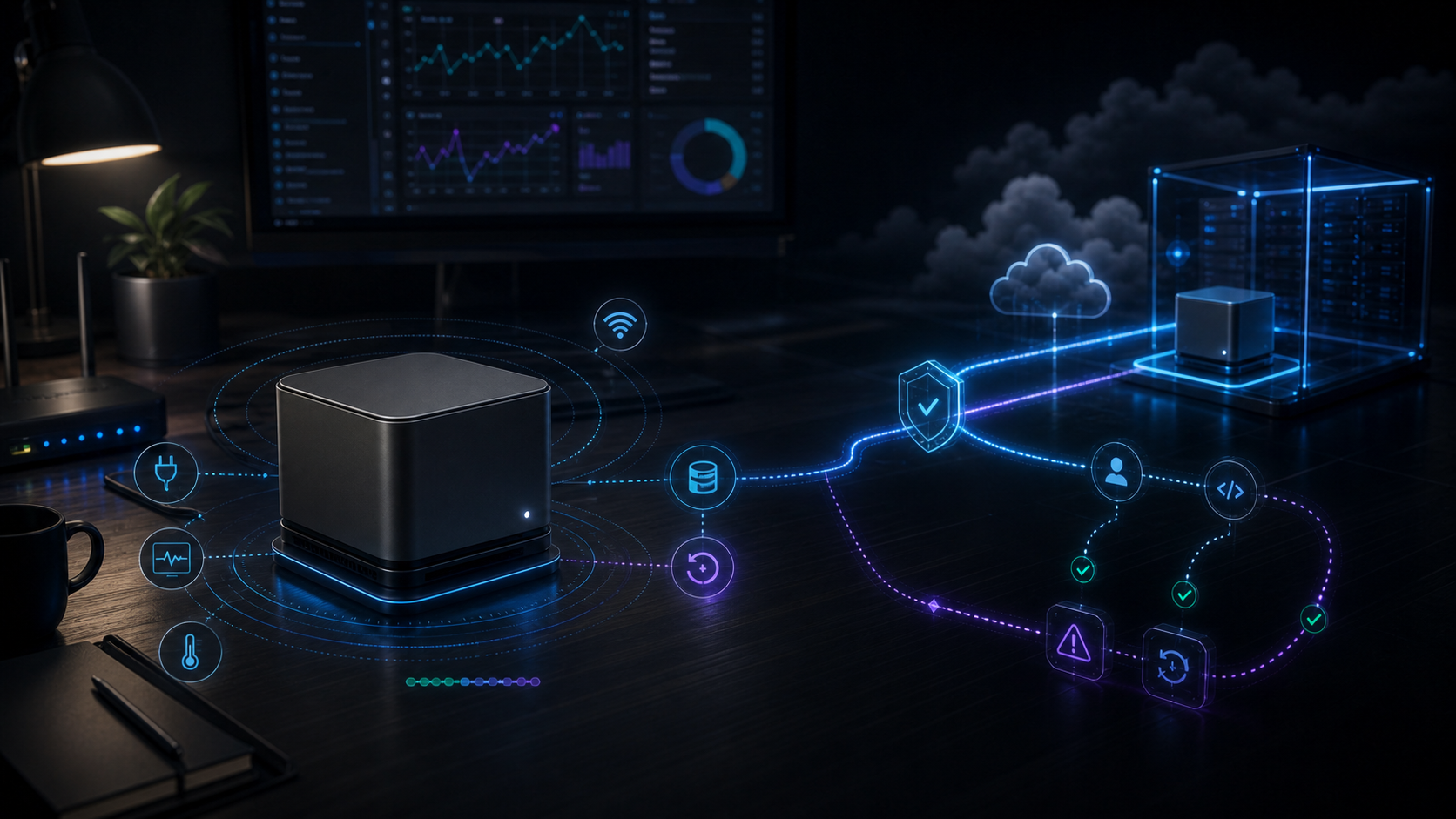
A practical guide to running AI agents on a Mac mini server
This article explains how to use a Mac mini as a home server for AI agents. It covers remote access, auto-starting jobs, backups, safer accounts, and reliability limits. For someone running a Mac mini server, it is a useful checklist before trusting it with always-on work.
Key points
- Use Ethernet instead of Wi-Fi when possible to reduce dropped connections.
- Set up SSH keys so remote login does not rely only on a password.
- Use launchd to restart server jobs automatically after a reboot.
- Keep Screen Sharing/VNC behind a VPN instead of exposing it directly to the internet.
Quick term guide
- Mac mini
- A small desktop computer made by Apple.
- home server
- A personal computer setup at home used to run services or store files instead of regular daily use.
- AI agents
- AI agents are AI tools that can carry out steps toward a goal, not just answer once.
- AI agent
- An AI program that can inspect information and suggest what to do next.
- remote access
- Connecting to and controlling a computer from another place.
- reliability
- How consistently a tool works without failing or behaving unexpectedly.
- Mac mini server
- A Mac mini used as an always-on computer for files, apps, backups, or automation.
- Screen sharing
- Showing exactly what is on your device's display to another application or person.